What Is a Private Browser?
Private browsers offer specialized features to protect your identity and browsing activity
A private browser is a web browser specifically designed to protect your online privacy by minimizing data collection, preventing tracking, and reducing your digital footprint. Unlike standard browsers that often prioritize convenience and features over privacy, private browsers implement various technologies and approaches to keep your browsing activities anonymous.
Core Principles of Anonymous Browsing
- No Tracking: Private browsers block various tracking methods used by websites, advertisers, and analytics companies to follow your online activities.
- Minimal Data Storage: They limit or eliminate the storage of browsing history, cookies, cache, and other data that could be used to identify you.
- Anti-Fingerprinting: They combat browser fingerprinting techniques that can identify you based on your browser’s unique configuration.
- Enhanced Encryption: Many private browsers prioritize secure connections and may include additional encryption features.
- Tracker Blocking: They actively block known trackers, beacons, and scripts designed to monitor user behavior.
Important: Even the most private browser can’t guarantee complete anonymity on its own. For comprehensive privacy protection, you should combine a private browser with additional tools like a VPN and privacy-focused search engines.
Private Browsing vs. Incognito Mode: Understanding the Difference
Many users confuse private browsers with the “private browsing” or “incognito” modes offered by standard browsers like Chrome, Firefox, and Safari. This confusion can lead to a false sense of security.
| Feature | Incognito/Private Mode | True Private Browser |
| Local History Storage | Not saved | Not saved |
| Cookies | Temporary, deleted after the session | Blocked or heavily restricted |
| Tracker Blocking | Limited or none | Comprehensive |
| ISP Visibility | Full visibility of your activities | May include features to limit ISP visibility |
| Browser Fingerprinting | Still vulnerable | Protection measures implemented |
| IP Address | Exposed | May include masking features |
As the table shows, incognito mode primarily prevents local storage of browsing data on your device. It does little to protect your privacy from external entities like your internet service provider, websites you visit, or surveillance agencies. True private browsers implement much more comprehensive privacy protections.
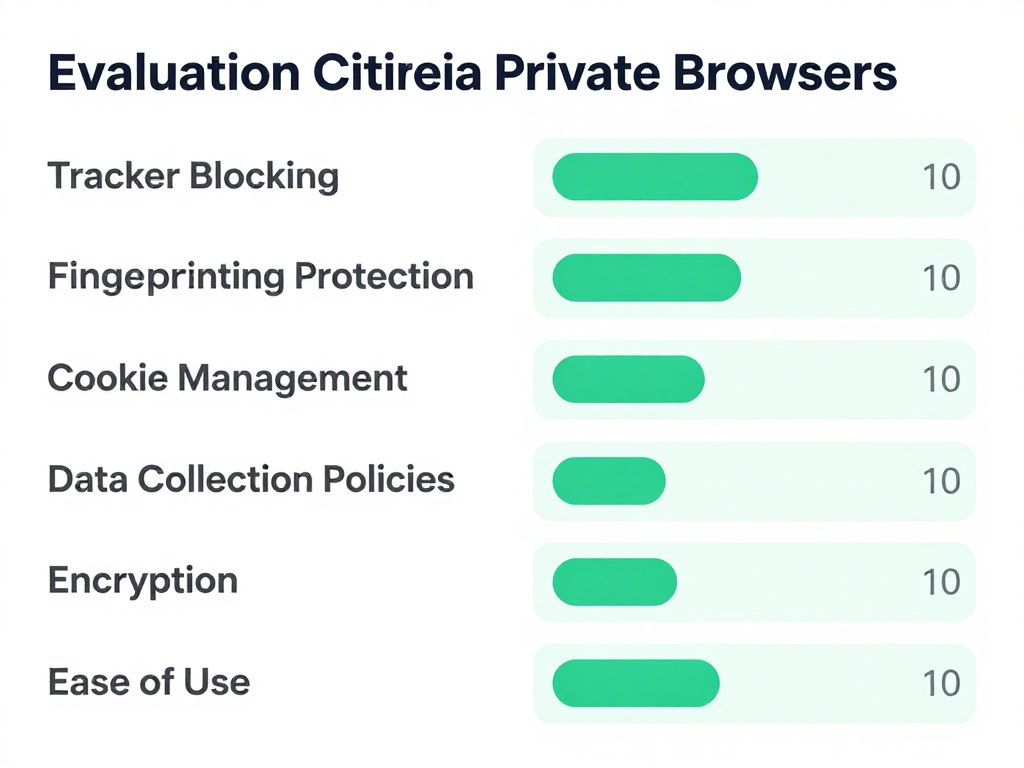
Evaluation Criteria for Private Browsers
To objectively assess and rank private browsers, we’ve established a comprehensive set of evaluation criteria that focus on the most critical aspects of browser privacy and security.
Core Privacy Features
- Tracker Blocking: How effectively the browser blocks various types of trackers, including analytics, advertising, and social media trackers.
- Cookie Management: Options for controlling, limiting, or blocking cookies, especially third-party cookies used for tracking.
- Anti-Fingerprinting: Measures to prevent browser fingerprinting, which can identify users based on their browser configuration.
- Data Collection Policies: The browser’s own data collection practices and privacy policy.
Security Features
- Encryption: Support for secure connections and additional encryption features.
- Malware Protection: Built-in protections against malicious websites and downloads.
- Script Control: Ability to control which scripts run on websites.
- Update Frequency: How regularly the browser is updated to address security vulnerabilities.
Technical Considerations
- Open Source: Whether the browser’s code is open for public review, enhancing transparency and trust.
- Jurisdiction: Where the browser’s development team is based and what privacy laws apply.
- Independence: Whether the browser is developed by a company with potential conflicts of interest.
- Default Settings: How private the browser is without additional configuration.
Usability Factors
- Ease of Use: How user-friendly the browser is, especially for non-technical users.
- Performance: Speed and resource usage compared to mainstream browsers.
- Cross-Platform Availability: Available platforms (Windows, macOS, Linux, mobile).
- Extension Support: Compatibility with privacy-enhancing extensions.
Top Private Browsers for Anonymous Browsing
Based on our evaluation criteria, we’ve identified and ranked the top private browsers currently available. Each browser has been thoroughly tested for its privacy features, security, and usability.
Enhance Your Browser Privacy with a VPN
Even the best private browsers can’t hide your IP address from websites or encrypt your connection. For complete anonymity, pair your private browser with a trusted VPN service.
Get a Trusted VPN
1. Tor Browser – Most Anonymous Option
The Tor Browser is widely regarded as the gold standard for anonymous browsing. Built on a modified version of Firefox, it routes your traffic through the Tor network, which consists of thousands of volunteer-operated servers that relay your connection through multiple layers of encryption.
Key Privacy and Security Features
- Onion Routing: Routes your traffic through at least three different servers, encrypting it at each step.
- No Tracking: Blocks trackers and doesn’t store your browsing history or cookies.
- Anti-Fingerprinting: Makes all Tor Browser users look identical, making it nearly impossible to identify individual users.
- NoScript Integration: Blocks potentially dangerous JavaScript by default.
- HTTPS Everywhere: Automatically uses encrypted connections when available.
- Isolated Browsing: Each site you visit is isolated from others, preventing cross-site tracking.
Pros
- The highest level of anonymity available in a browser
- Effectively masks your IP address and location
- Open-source and maintained by a non-profit organization
- Strong anti-fingerprinting measures
- Access to .onion sites on the dark web
Cons
- Significantly slower browsing speeds due to routing
- Some websites may not function properly
- Not ideal for streaming or downloading large files
- Can attract unwanted attention from ISPs
- More complex than standard browsers
Best For: Journalists, activists, whistleblowers, and anyone requiring the highest level of anonymity. Ideal for accessing content in censored regions or conducting sensitive research.
2. Firefox (Privacy-Configured) – Best Balance of Privacy and Usability
While Firefox isn’t marketed exclusively as a privacy browser, when properly configured, it offers excellent privacy protections while maintaining the usability and compatibility of a mainstream browser. Mozilla, the non-profit behind Firefox, has a strong commitment to user privacy.
Key Privacy and Security Features
- Enhanced Tracking Protection: Blocks social media trackers, cross-site tracking cookies, cryptominers, and fingerprinters.
- DNS over HTTPS: Encrypts DNS requests to prevent ISP monitoring.
- Privacy-Focused Search Options: Easy integration with privacy search engines like DuckDuckGo.
- Container Tabs: Isolate your browsing activity to prevent cross-site tracking.
- Extensive Privacy Extensions: Supports numerous privacy-enhancing add-ons.
- Customizable Privacy Settings: Granular control over privacy features.
Firefox’s true strength lies in its customizability. With the right configuration and extensions, it can rival dedicated privacy browsers while maintaining excellent compatibility with modern websites.
Recommended Privacy Configuration for Firefox
- Go to Settings > Privacy & Security
- Set Enhanced Tracking Protection to “Strict”
- Enable “Delete cookies and site data when Firefox is closed.”
- Set “Do Not Track” to “Always”
- Enable HTTPS-Only Mode in all windows
- Disable telemetry data collection
- Install privacy extensions: uBlock Origin, Privacy Badger, and HTTPS Everywhere
Pros
- Excellent balance of privacy and usability
- Developed by a non-profit with a privacy focus
- Open-source and regularly updated
- Strong extension ecosystem for enhanced privacy
- Cross-platform availability
Cons
- Requires manual configuration for optimal privacy
- Default settings aren’t maximally private
- Some telemetry is still enabled by default
- Not as anonymous as Tor Browser
- Can be resource-intensive with many extensions
Best For: Everyday users who want a good balance of privacy and functionality. Ideal for those who need compatibility with modern websites while still maintaining strong privacy protections.
3. Brave – Best for Privacy with Minimal Configuration
Brave is a relatively new entrant in the browser market but has quickly gained popularity for its strong privacy features that work right out of the box. Built on Chromium (the same engine that powers Google Chrome), Brave offers excellent compatibility with modern websites while blocking trackers and ads by default.
Key Privacy and Security Features
- Built-in Ad and Tracker Blocking: Automatically blocks ads and trackers without requiring extensions.
- HTTPS Everywhere: Automatically upgrades connections to HTTPS when available.
- Fingerprinting Protection: Blocks browser fingerprinting attempts.
- Script Blocking: Controls which scripts can run on websites.
- Tor Integration: Private browsing with Tor is built directly into Brave.
- Local Data Storage: Sensitive data stays on your device, not in the cloud.
Pros
- Strong privacy protections enabled by default
- Fast performance compared to other privacy browsers
- Chromium-based for excellent website compatibility
- Built-in Tor mode for enhanced anonymity when needed
- Optional rewards system for viewing privacy-respecting ads
Cons
- Controversial cryptocurrency integration
- Not as established as Firefox or Tor Browser
- Some privacy advocates question its business model
- Smaller extension library than Firefox
- Occasional website compatibility issues
Best For: Users who want strong privacy protections without complex configuration. Ideal for those transitioning from Chrome who want a familiar interface with better privacy.
4. LibreWolf – Best Firefox-Based Privacy Option
LibreWolf is a fork of Firefox that focuses exclusively on privacy and security. It comes with privacy-enhancing modifications and removes many of the features in Firefox that could compromise user privacy, such as telemetry, data collection, and pocket integration.
Key Privacy and Security Features
- No Telemetry: All data collection and telemetry are completely removed.
- Enhanced Privacy Settings: Privacy settings are maximized by default.
- DuckDuckGo Default: Uses DuckDuckGo as the default search engine.
- Strict Content Blocking: Aggressive blocking of trackers and fingerprinting attempts.
- Automatic Cookie Clearing: Cookies are cleared when you close the browser.
- Firefox Extension Support: Compatible with Firefox’s privacy extensions.
Pros
- Excellent privacy out of the box without configuration
- Based on Firefox’s reliable codebase
- Compatible with Firefox extensions
- Regular updates that follow Firefox releases
- Open-source and community-driven
Cons
- Smaller development team than Firefox
- May break some websites due to strict privacy settings
- Updates may lag slightly behind Firefox
- Not available on mobile platforms
- Less user-friendly for beginners
Best For: Privacy-focused users who prefer Firefox’s interface and extension ecosystem but want stronger privacy protections by default. Ideal for technical users who understand the privacy-usability tradeoffs.
5. DuckDuckGo Privacy Browser – Best Mobile Privacy Browser
While DuckDuckGo is best known for its privacy-focused search engine, its mobile browser has become a popular choice for privacy-conscious users on iOS and Android. The browser is designed to be simple and user-friendly while providing robust privacy protections.
Key Privacy and Security Features
- Built-in Tracker Blocking: Automatically blocks hidden trackers.
- Privacy Grade: Assigns a privacy grade to each website you visit.
- Forced Encryption: Automatically uses encrypted (HTTPS) connections when available.
- Fire Button: One-tap button to clear all browsing data.
- Privacy-Focused Search: Integrated with DuckDuckGo’s private search engine.
- App Tracking Protection: Blocks trackers in other apps (Android).
Pros
- Extremely user-friendly interface
- Excellent privacy features for mobile users
- Fast performance on mobile devices
- Integrated with DuckDuckGo search
- Regular updates and new privacy features
Cons
- Limited desktop presence (extension only)
- Fewer customization options than Firefox
- No extension support
- Not as comprehensive as Tor Browser
- Some advanced privacy features are missing
Best For: Mobile users who want a simple, privacy-focused browsing experience. Ideal for those who prioritize ease of use but still want strong privacy protections.
Private Browser Comparison Table
To help you quickly compare the key features of our recommended private browsers, we’ve created this comprehensive comparison table.
| Feature | Tor Browser | Firefox (Configured) | Brave | LibreWolf | DuckDuckGo |
| IP Address Protection | Excellent | Limited | Good (with Tor mode) | Limited | Limited |
| Tracker Blocking | Excellent | Very Good | Excellent | Excellent | Very Good |
| Fingerprinting Protection | Excellent | Good | Very Good | Very Good | Good |
| Cookie Management | Excellent | Very Good | Very Good | Excellent | Good |
| Default Privacy | Excellent | Fair | Very Good | Excellent | Very Good |
| Speed | Poor | Very Good | Excellent | Very Good | Very Good |
| Website Compatibility | Fair | Excellent | Very Good | Very Good | Good |
| Open Source | Yes | Yes | Yes | Yes | Partial |
| Desktop Support | Yes | Yes | Yes | Yes | Extension Only |
| Mobile Support | Android Only | Yes | Yes | No | Yes |
The Limitations of Private Browsers
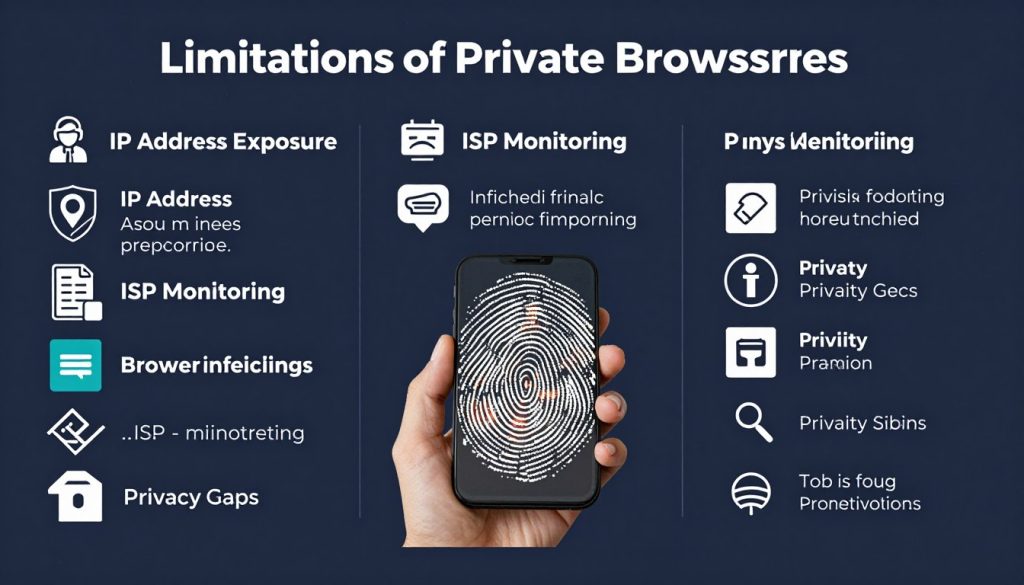
While private browsers provide significant privacy improvements over standard browsers, they have inherent limitations that users should be aware of. Understanding these limitations is crucial for developing a comprehensive privacy strategy.
What Private Browsers Can’t Do
- Hide Your IP Address: Most private browsers (except Tor) don’t hide your IP address from websites you visit or your ISP.
- Encrypt All Traffic: While they may enforce HTTPS, they don’t encrypt all your internet traffic like a VPN does.
- Protect Against Advanced Surveillance: Sophisticated actors may still be able to track you despite browser privacy features.
- Secure Other Applications: They only protect your browsing activity, not other applications or services you use.
- Prevent All Tracking: Some tracking methods may still work despite browser protections.
Important: Even the most private browser can leave you exposed if you log into accounts, use services that require personal information, or engage in activities that reveal your identity.
Complete Your Privacy Protection
A private browser is just one piece of the privacy puzzle. For comprehensive protection, combine your browser with a trusted VPN service that encrypts all your traffic and hides your IP address.
Explore Recommended VPNs
Enhancing Your Anonymity Beyond Private Browsers
To achieve a higher level of online anonymity, you need to implement additional privacy measures beyond just using a private browser. Here are practical, actionable steps you can take to enhance your privacy protection.
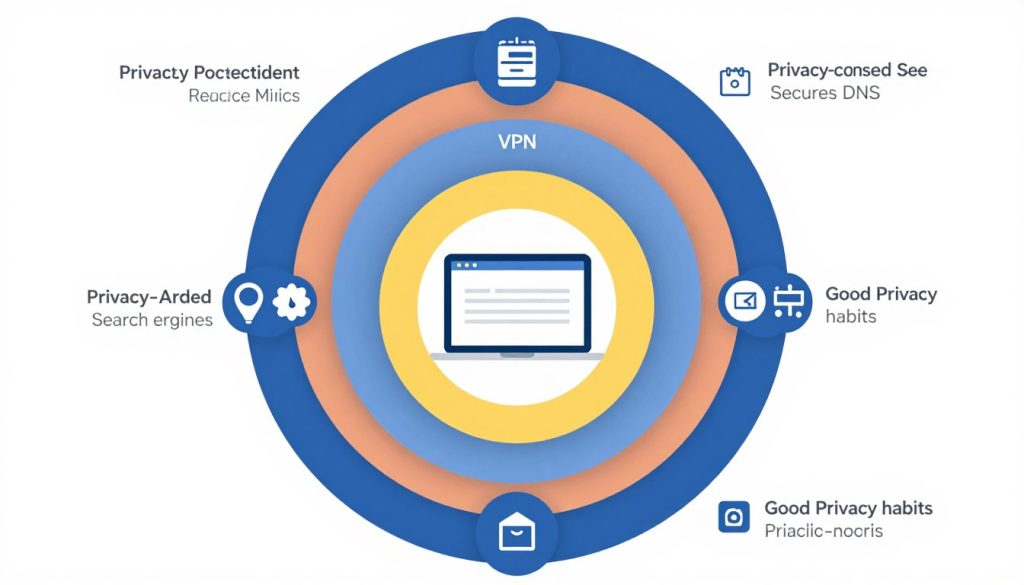
Essential Privacy Tools to Complement Your Browser
1. Use a Trusted VPN
A Virtual Private Network (VPN) encrypts all your internet traffic and hides your IP address, addressing key limitations of private browsers. Look for a VPN with:
- No-logs policy (verified by independent audits)
- Strong encryption (AES-256)
- Kill switch feature
- Jurisdiction outside surveillance alliances
2. Adopt Privacy-Focused Search Engines
Replace Google with privacy-respecting search engines that don’t track your searches or build a profile on you:
- DuckDuckGo
- Startpage
- Searx
- Qwant
3. Use Secure DNS Providers
Your DNS requests can reveal your browsing activity. Switch to encrypted DNS services:
- Quad9 (9.9.9.9)
- Cloudflare (1.1.1.1)
- NextDNS
4. Implement Email Privacy
Your email can be a significant privacy vulnerability. Consider:
- ProtonMail or Tutanota for encrypted email
- Temporary email services for one-time signups
- Email aliases to compartmentalize your online identity
Privacy-Enhancing Browsing Habits
- Regularly Clear Data: Even with private browsers, regularly clear any stored data.
- Use Different Browsers: Consider browser compartmentalization—using different browsers for different activities.
- Avoid Logging In: When possible, browse without logging into accounts, especially Google, Facebook, or other tracking-heavy services.
- Check Privacy Settings: Regularly review and update privacy settings in your browser and online accounts.
- Be Cautious with Extensions: Only use necessary, trusted extensions as they can access your browsing data.
- Update Regularly: Keep your browser and privacy tools updated to benefit from the latest security patches.
True online anonymity requires a layered approach. No single tool or technique can provide complete protection—it’s the combination of appropriate tools, careful configuration, and mindful browsing habits that creates effective privacy protection.
Understanding and Preventing Browser Fingerprinting
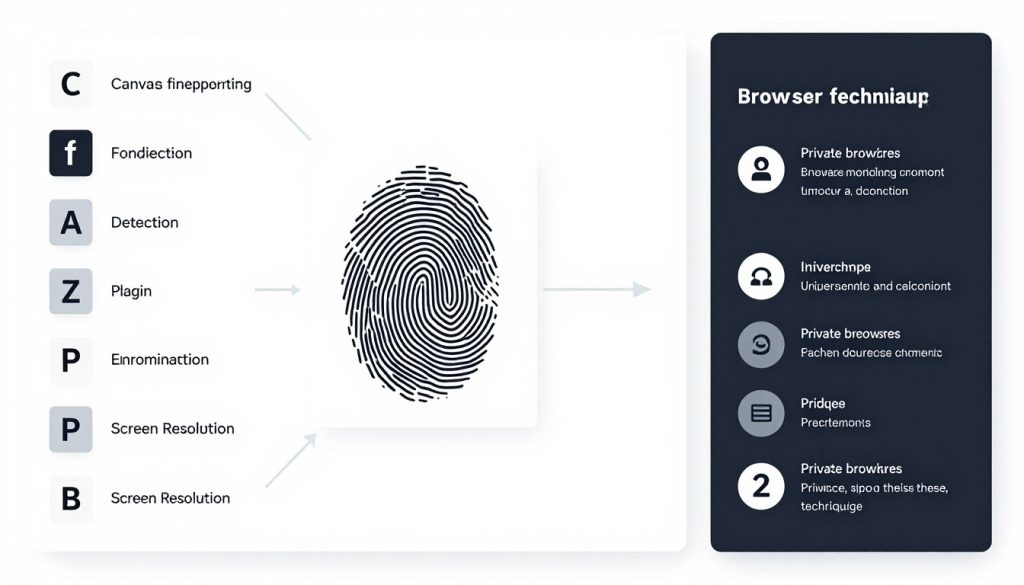
Browser fingerprinting is one of the most sophisticated tracking techniques used today. Unlike cookies, which can be deleted, your browser fingerprint is created from dozens of seemingly innocent data points that, when combined, create a unique identifier that can follow you across the web.
What Data Points Create Your Fingerprint?
- Hardware Information: Graphics card, CPU, device type
- Software Details: Browser version, OS version, installed plugins
- Configuration: Language settings, time zone, screen resolution
- Browser Capabilities: Supported fonts, canvas rendering, WebGL support
- Network Information: Connection type, IP address (can indicate location)
How Private Browsers Combat Fingerprinting
Standardization
Tor Browser makes all users look identical by standardizing browser settings and capabilities, making it difficult to distinguish between users.
Data Minimization
Browsers like Firefox and Brave limit the information they share with websites, reducing the data points available for fingerprinting.
Canvas Fingerprint Blocking
Many private browsers block or randomize canvas fingerprinting, a technique that uses the HTML5 canvas element to identify users.
User Agent Spoofing
Some browsers allow you to change or randomize your user agent, making it harder to identify your browser and operating system.
Additional Anti-Fingerprinting Measures
- Use Anti-Fingerprinting Extensions: Tools like Canvas Blocker or Privacy Badger can provide additional protection.
- Disable JavaScript: While this can break many websites, it significantly reduces fingerprinting capabilities.
- Test Your Fingerprint: Use services like AmIUnique.org or Panopticlick to see how unique your browser fingerprint is.
- Regular Browser Restarts: Some fingerprinting techniques rely on session data, which can be cleared by restarting your browser.
Conclusion: Choosing the Right Private Browser for Your Needs
Selecting the best private browser for anonymous browsing ultimately depends on your specific privacy needs, technical comfort level, and browsing habits. Based on our comprehensive analysis, here are our final recommendations:
Best Overall Private Browser: For most users seeking a balance of strong privacy and usability, Firefox with privacy-enhancing configurations and extensions offers the best combination of protection, flexibility, and compatibility.
Recommendations for Specific Use Cases
- For Maximum Anonymity: Tor Browser remains the gold standard when complete anonymity is essential, despite its performance limitations.
- For Everyday Privacy with Minimal Setup: Brave provides excellent out-of-the-box privacy protections with minimal configuration required.
- For Technical Users: LibreWolf offers a highly secure, privacy-focused experience for users comfortable with occasional website compatibility issues.
- For Mobile Users: DuckDuckGo Privacy Browser provides a simple, effective privacy solution specifically designed for mobile devices.
Remember that no browser alone can provide complete online anonymity. For comprehensive privacy protection, combine your chosen private browser with additional tools like a VPN, privacy-focused search engines, and good privacy habits.
By taking a layered approach to privacy and staying informed about evolving tracking techniques, you can significantly reduce your digital footprint and enjoy a more private, secure browsing experience.
Take Your Privacy to the Next Level
Pair your private browser with a trusted VPN service for comprehensive privacy protection. Get encrypted connections, IP masking, and protection across all your applications.
Explore Top-Rated VPN Services
Frequently Asked Questions
Is private browsing mode the same as using a private browser?
No, they are quite different. Private browsing mode (also called Incognito mode) primarily prevents your browser from saving your browsing history, cookies, and form data locally on your device. It does not hide your activities from your internet service provider, the websites you visit, or network administrators. A true private browser implements comprehensive privacy features like tracker blocking, anti-fingerprinting measures, and sometimes even IP address masking.
Can I be completely anonymous online using just a private browser?
Complete online anonymity is extremely difficult to achieve, and a private browser alone is not sufficient. Even Tor Browser, the most anonymous option, has limitations. For the highest level of anonymity, you need a combination of tools and practices, including a private browser, a no-logs VPN, privacy-focused search engines, secure communication tools, and careful online behavior. Remember that logging into accounts or providing personal information will always compromise your anonymity to some degree.
Why is Tor Browser slower than other private browsers?
Tor Browser routes your traffic through at least three different servers (nodes) in the Tor network, encrypting it at each step. This process, called onion routing, provides excellent anonymity but significantly increases latency. Your data has to travel a much longer path than it would with a direct connection, resulting in slower browsing speeds. Additionally, the Tor network has limited capacity as it relies on volunteer-operated servers, which can lead to congestion during high-usage periods.
Are browser extensions safe to use with private browsers?
Browser extensions can both enhance and compromise your privacy, depending on the extension. Privacy-focused extensions like uBlock Origin, Privacy Badger, or HTTPS Everywhere can improve your privacy protection. However, extensions can also access your browsing data and potentially track your activity. Additionally, using too many extensions can make your browser fingerprint more unique, making you easier to track. For maximum privacy, use only essential, trusted extensions from reputable developers, and consider using Tor Browser without any extensions for your most sensitive browsing.
How do I know if my private browser is actually protecting my privacy?
You can test your browser’s privacy protections using various online tools. Websites like Panopticlick, AmIUnique.org, or BrowserLeaks.com can check how well your browser resists fingerprinting. DNS leak test sites can verify if your DNS requests are properly protected. For a more comprehensive check, the EFF’s Cover Your Tracks tool evaluates multiple aspects of your browser’s privacy protections. Remember that no browser is perfect, and these tests can help you identify areas where you might need additional protection, such as a VPN or specific browser configurations.
 English